How to Turn Your Song or Uploaded Audio into an AI Music Video
Give a finished track a visual story. Explore narrative, performance and mood-led music videos while keeping your selected song as the audio foundation.
JYRO ·
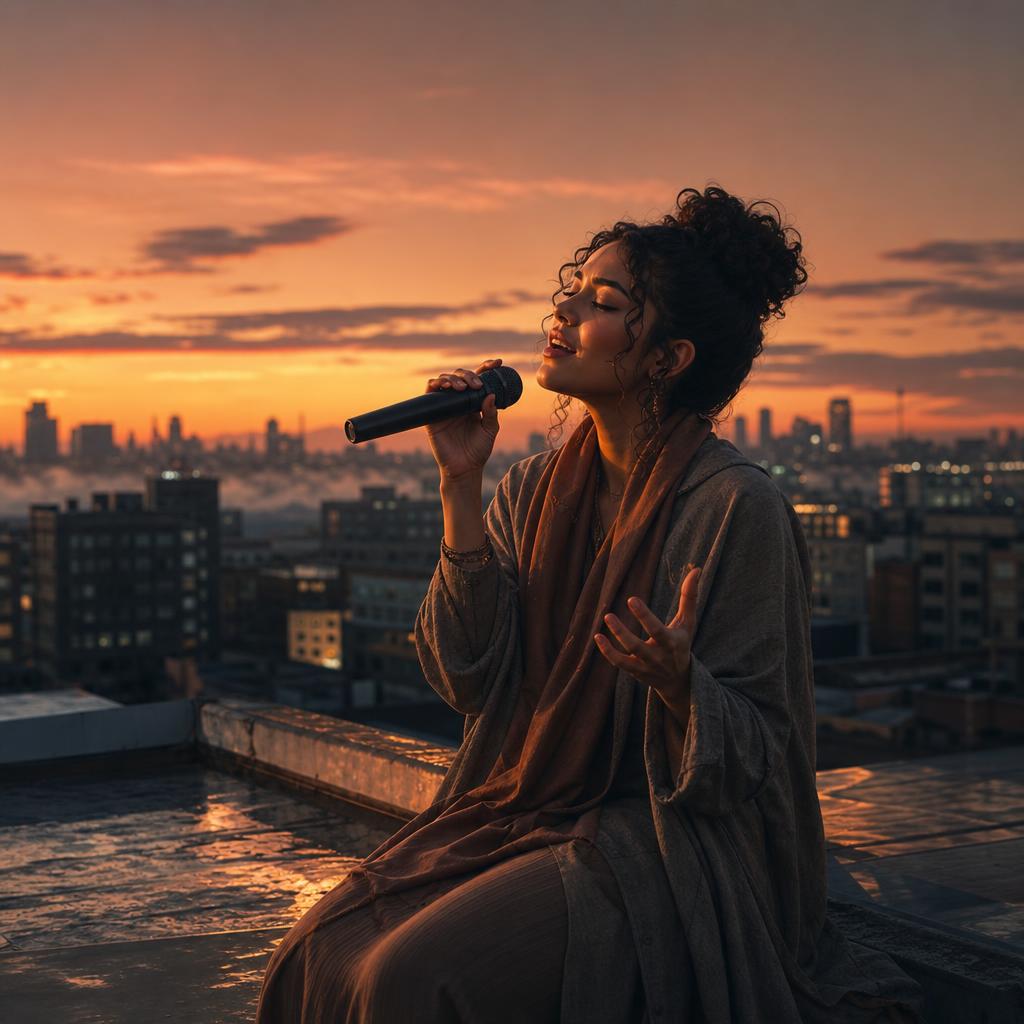
The song is finished. What should we see?
A good song already carries a world: a mood, a story, a sense of movement. A music video gives that world something to look like. The challenge is not simply finding attractive pictures to place under the track. It is choosing a visual idea that belongs with what the listener hears.
JYRO can build a Music Video from a saved, ready Song or a supported upload of finished audio, including MP3 or WAV. If you start with lyrics instead, create the Song first; lyrics are not a finished audio track. Once your source is ready, the Music Video flow creates the visual story around it. You do not have to manually design and assemble every scene.
Choose a visual treatment before describing individual shots
There are three useful starting points: narrative, performance-inspired and mood-led. A narrative follows a character or event. A performance-inspired treatment centres on the energy of a singer or performer. A mood-led video uses environments, imagery and movement to express the feeling of the track.
For a reflective song about starting again, a narrative might follow a fictional person through a city at dawn. A mood-led version could move from enclosed rooms into open landscapes. Both can work. Combining them without a shared direction, however, can make the video feel like several unrelated ideas.
- Narrative: give the central character a simple journey or change.
- Performance-inspired: describe the setting, energy and visual mood.
- Mood-led: choose a coherent world of places, colours and recurring images.
Create a cinematic Music Video for this song about finding hope again. Follow one fictional character through a quiet city at dawn. Begin in enclosed, subdued spaces and gradually move toward warmer, open surroundings. Keep the visual world consistent and the ending quietly optimistic. Build the visuals around the existing song; do not replace its audio.
Let the track lead the pacing
Listen to the source before submitting it. Confirm that this is the right version and that the beginning and ending are intact. The selected Song is the audio foundation and master timeline. Choosing a Music Video is not a request to regenerate its vocals or compose a replacement track.
Describe changes in energy in ordinary language: a restrained opening, more movement as the chorus arrives, a calmer ending. These are useful creative intentions, not a promise of frame-perfect synchronisation to every beat. A coherent progression is often more convincing than a succession of fast cuts that compete with the music.
This also works for children's rhymes, devotional songs or an original recording you already own. A children's piece might need readable, recurring imagery. A devotional treatment might call for a serene and respectful visual world. In each case, let the subject and audience shape the direction rather than using the same cinematic template for everything.
Select the Music Video option that fits the result
The Music Video flow provides its available Instant, Express and Expert choices. Their eligibility depends on the source and account access, so use the options shown for your selected Song. Express and Expert use different visual-generation approaches and scene pacing; they are not merely two labels for an identical plan.
Choose the eligible mode, visual style, aspect ratio and resolution for the intended destination, then review the displayed quote. A vertical social post and a landscape video need different framing. You do not need to recreate the Song to make that choice. Keep the audio decision separate from the visual treatment.
Look for continuity, not just beautiful frames
When reviewing the plan and result, ask whether the same visual world continues across scenes. Does the character remain recognisable? Do locations and actions form a progression? Does the final scene feel connected to the opening? A single striking image is valuable, but the video has to hold together over the entire track.
Watch with the audio on. A scene that looks strong in isolation may interrupt the song's mood when placed in sequence. Where editing controls are available, make focused scene-level adjustments while preserving the parts that work. Visual refinement does not require rewriting the saved Song.
Give the finished video a clear identity
A cover, thumbnail and title help people understand what they are about to watch. Keep them connected to the song and its visual treatment. An intimate acoustic track does not need artwork that implies a high-energy dance release. Generated presentation and SEO material should still be checked for accurate names and descriptions.
Download the finished video or publish through connected channels when available. Use only audio and supplied material you own or are permitted to use; creating a visual treatment does not grant rights to someone else's recording. A strong Music Video extends the track without overshadowing it: the song supplies the emotion, and the visuals give that emotion a recognisable world.