From One Idea to an AI Video: A Better Brief Makes the Difference
A practical approach to AI video creation for creators and D2C brands: turn an idea or product photo into a clear story, not just attractive scenes.
JYRO ·
The hardest part is often deciding what to say
A founder has a product photograph, a creator has an idea, and a teacher has something worth explaining. None of them necessarily has a script, a shot list or the time to coordinate a production team. That gap between having something to say and having a video to publish is where AI video creation becomes useful.
JYRO brings the production work together: script, screenplay, visuals, narration and dialogue, music, sound effects and the supporting thumbnail and SEO details. You supply the idea; it generates the creative material. There are review checkpoints, but you do not have to manually build every stage. The useful question is not how to direct every frame. It is how to give the production a clear purpose.
Write a brief, not a shopping list of effects
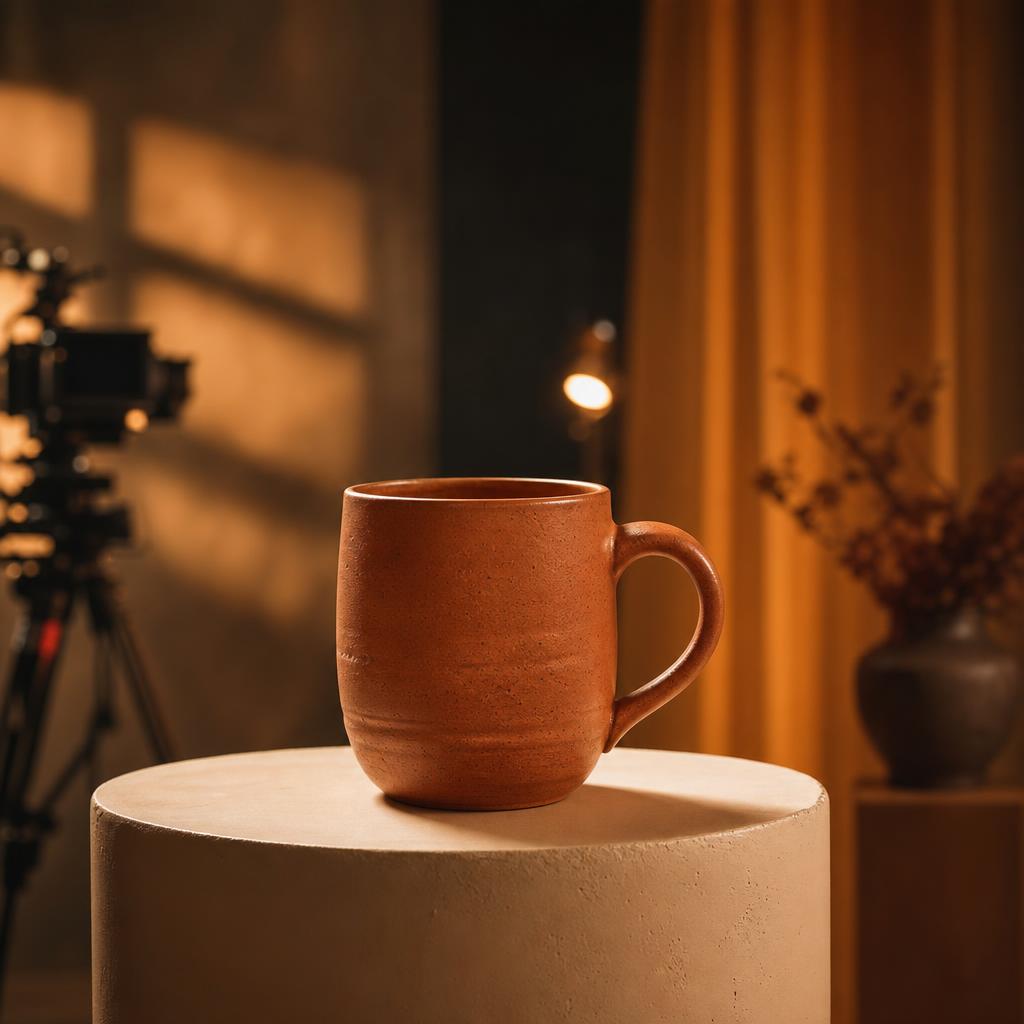
Compare “make a cinematic ad for my mug” with a brief that identifies the customer, the product and the reason someone would care. The first requests a look. The second gives the story something to work with. For a D2C brand, a small, specific everyday moment can be more persuasive than a collection of dramatic product shots.
Imagine a ceramic mug designed for slow morning coffee. A useful creative direction might follow someone taking a quiet break before a busy day. The mug belongs in that story because its appearance and use are visible, not because the narration repeatedly calls it amazing. Keep product claims grounded in facts you can support.
- Audience: who should recognize themselves in this video?
- Purpose: what should they understand, feel or do afterward?
- Subject: which product, person or idea is the story about?
- Direction: what tone, language, length and visual style suit that purpose?
Create a warm 30-second product video for our handmade ceramic mug, using the uploaded photo as the product reference. The audience is people who enjoy a quiet morning coffee. Show the mug clearly in a simple breakfast setting. Use natural narration, a relaxed pace and a gentle musical mood. End with: Discover your new morning favourite. Do not add unsupported durability or health claims.
Give each uploaded image a job
A product photo answers “what are we showing?” A portrait answers “who is appearing?” A location reference answers “where should this feel like it happens?” Explain those roles in your prompt. Uploading several photographs without context leaves important relationships ambiguous.
For a product, choose a clear view of its shape, colour and defining details. For a person, use a photograph you are authorised to use and identify their role. If several photographs show the same person, say so. The goal is not to fill every upload slot; it is to provide references that make the brief easier to interpret.
References guide generation rather than guarantee a pixel-perfect reproduction. Review details such as packaging, labels and visible text carefully before using a result commercially. For a recurring presenter or fictional cast, saved Character DNA gives you a reusable identity resource instead of starting with a new description every time.
Choose a visual language that serves the story
Cinematic filmmaking is not the answer to every brief. A cartoon can make a children's story approachable. A 3D-style treatment can give a product explanation a distinctive look. A podcast-style presentation can suit a conversation, while an explainer or tutorial benefits from clear sequencing.
UGC-style ads work best when the presentation feels direct and relevant to the viewer. That does not mean inventing a customer testimonial or pretending a fictional presenter is a real buyer. Describe the tone and demonstration you want, and keep the message honest. For longer films, give the story a central goal and progression rather than stretching a short advertising idea across more scenes.
Review the message first; polish individual scenes later
The script carries the meaning; the screenplay translates it into a visual sequence. At the review checkpoint, ask whether the opening gives someone a reason to watch, whether the middle delivers on it, and whether the ending fits the goal. A beautiful scene cannot rescue an inaccurate claim or an explanation that leaves out its essential step.
Once the video is generated, watch it from beginning to end. Then use the available per-scene editing controls for specific improvements. “Keep the product and setting; make the movement calmer” is a more useful correction than “make it better.” Editing is an optional refinement of the generated result, not a requirement to assemble the video yourself.
Finish with a promise the video actually delivers
A thumbnail and title should set the right expectation. If the video demonstrates a morning routine, present that clearly instead of promising a dramatic transformation the content never shows. JYRO's generated publishing material gives you a starting point; check names, claims, subtitles and branding before sharing.
Download the finished video or use connected publishing when it is available and your channel is connected. Mode, duration and resolution availability depend on your plan. You do not need an elaborate prompt to begin. You need a clear idea, relevant references and a result that tells the viewer something worth their time.